Travel Security & Scam Awareness: Digital Safety Habits
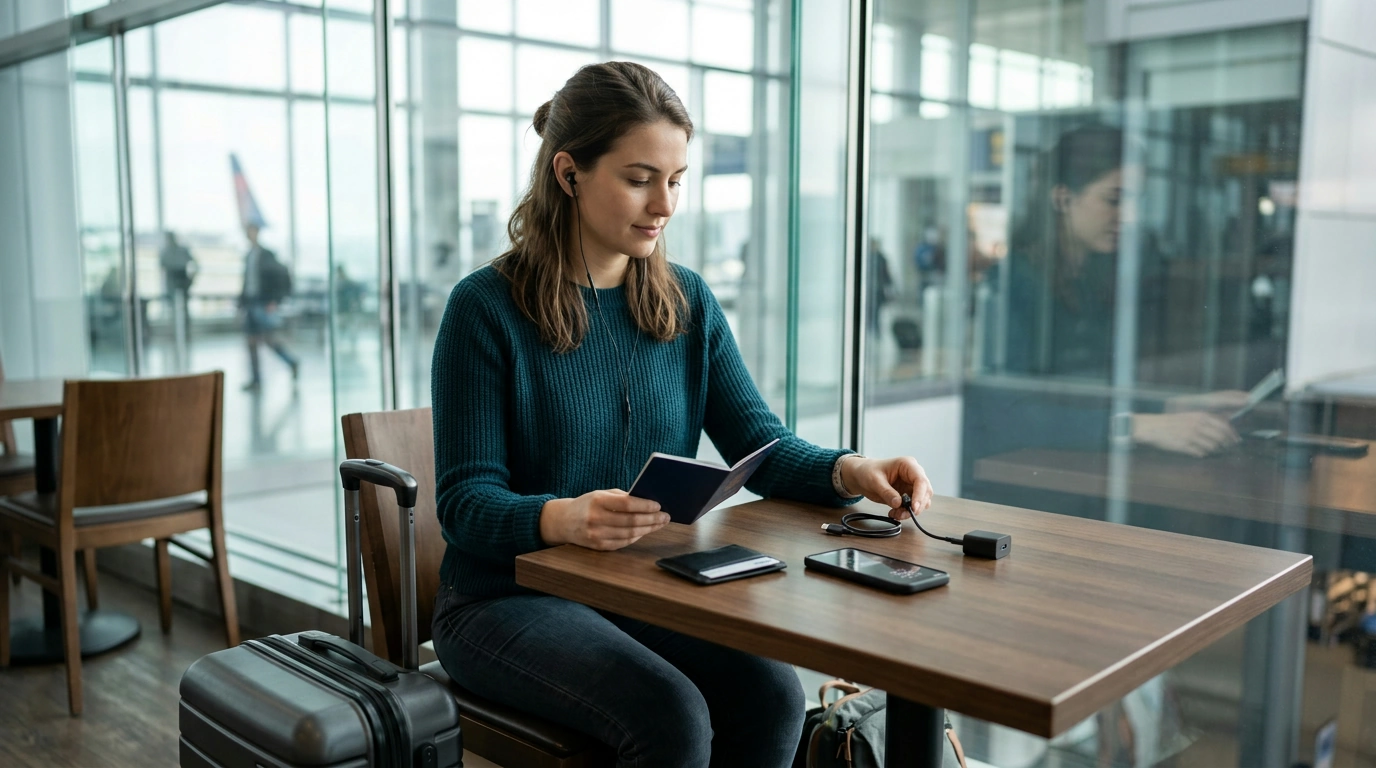
Travel Security & Scam Awareness: Digital Safety Habits That Keep Trips Smooth
Travel security is a mix of street awareness and digital hygiene. A few simple routines—before departure, in transit, and on arrival—reduce the risk of theft, account takeovers, payment fraud, and common tourist scams without turning travel into a constant worry.
Start With a Simple Risk Check (Destination, Profile, Itinerary)
Security planning works best when it matches the trip you’re actually taking. A conference-heavy business itinerary has different failure points than a beach weekend or a solo nightlife trip in an unfamiliar city.
- Match precautions to the trip: sightseeing, solo late nights, family travel, client visits, or multi-country transfers all create different exposure.
- Identify high-friction moments: airport arrivals, transit hubs, crowded attractions, and late-night rides are where scams and theft cluster.
- Decide what “must not fail”: phone access, banking access, work accounts, identity documents, and a reliable way to contact help.
- Set a travel baseline: a separate travel email, reduced daily card limits, and a minimal-carry wallet plan (one card + small cash for the day).
Phone and Account Hardening Before Leaving
Most travel “digital disasters” start with a stolen phone, a compromised email account, or a rushed login on an unsafe network. A short pre-trip setup session reduces the odds that one incident turns into a chain reaction.
- Update your phone OS and critical apps; turn on automatic security updates.
- Use a strong screen lock PIN (skip easy patterns); keep device encryption enabled (default on most modern phones).
- Enable multi-factor authentication for primary email, banking, and work accounts; prefer authenticator apps or security keys over SMS when possible.
- Create a recovery plan: store backup codes offline, verify recovery email/number, and set trusted contacts where available.
- Turn on “Find My Device” (or equivalent), remote lock, and remote wipe; test it before you go.
- Use a travel-only password vault (or a dedicated folder) containing only essentials you’ll need on the road.
For broader destination guidance and safety updates, check official advisories before departure, such as the U.S. Department of State travel site.
Safe Connectivity on the Road (Wi‑Fi, Hotspots, Bluetooth, USB)
Connectivity is convenient—and a common trap. Treat networks, QR codes, and charging stations like you would unknown links: useful, but not automatically trustworthy.
- Prefer your own hotspot or trusted networks; keep public Wi‑Fi for low-risk browsing.
- Avoid banking and primary email logins on unknown Wi‑Fi; if unavoidable, use a reputable VPN and confirm the site is HTTPS.
- Disable auto-join for Wi‑Fi and forget networks after use (especially “Airport_Free_WiFi”-type names).
- Turn off Bluetooth and AirDrop/Nearby Share when not needed; set sharing visibility to contacts only.
- Avoid “free charging” USB ports; use a wall outlet with a charging-only cable or a USB data blocker.
- Treat QR codes as links: verify the venue branding and check the URL before opening—especially if it requests card details.
For practical cyber travel habits, the UK National Cyber Security Centre guidance is a solid reference for travelers and professionals alike.
Scam Patterns Tourists See Most Often (And How to Exit Cleanly)
Common Travel Scams: Red Flags and Quick Responses
| Scenario | Red flags | Safer move |
|---|---|---|
| ATM “assistance” offer | Stranger stands close, suggests steps, grabs card or watches PIN | Cancel transaction, cover keypad, use bank-branch ATM, ask staff not bystanders |
| Unofficial taxi at arrivals | No meter, vague price, claims “card machine broken” | Use airport taxi stand or app-based ride; confirm fare rules before entering |
| Overfriendly bracelet/flower gift | Item placed on wrist/hand, immediate demand for payment | Do not accept; place item down and walk away without debating |
| Fake Wi‑Fi network | Multiple similar SSIDs, captive portal asks for email/password | Confirm network name with staff; avoid entering credentials; use hotspot |
| QR menu/payment trap | URL looks odd, asks for full card details for small bill | Pay at counter, use official app/site, or ask for printed bill |
For broader scam awareness and reporting guidance, the FBI’s scams and safety resources offer useful patterns to watch for.
Money, Cards, and Identity: Minimize the Blast Radius
Solo Travelers: Safety Routines That Don’t Reduce Freedom
Business Trips: Protecting Devices, Data, and Corporate Accounts
If Something Goes Wrong: A Quick Response Checklist
A Ready-to-Use Digital Handbook for Trips
- Travel Security & Scam Awareness Guide | Digital Safety Handbook for Tourists, Solo Travelers & Business Trips (offline-friendly reference for scam recognition, daily routines, and step-by-step actions)
- AI-Powered Checklist for Better Sleep Adventures | Digital Sleep Guide for Relaxation, Lucid Dreaming & ai suggestions for better dreams (useful for keeping rest consistent across time zones and early departures)
- Men’s Quick-Dry Short Sleeve Sports Shirt – Lightweight Workout & Running Top (comfortable for long transit days and warm-weather walking itineraries)
FAQ
Is a VPN enough to stay safe on public Wi‑Fi while traveling?
A VPN helps by encrypting your internet traffic, but it won’t protect you from phishing pages, fake login portals, or entering credentials on a fraudulent site. The safer approach is using your own hotspot for sensitive logins and reserving public Wi‑Fi for low-risk browsing.
What should be done first if a phone is stolen abroad?
Lock the device immediately using Lost Mode/Find My Device, then secure your primary email account and revoke active sessions to prevent account takeovers. After that, contact your carrier and banks to protect service and payments, and document the time and location for reports and insurance.
How can solo travelers avoid common street scams without being rude?
Use a short, calm refusal (“No thanks”) and keep moving without explaining or debating. Staying polite while not stopping—plus using official taxis, ticket counters, and staffed help desks—reduces the chances of getting drawn into a scripted setup.










Leave a comment