USB-C RGB Gaming Mic: Instant Mute & Zero-Latency Monitor
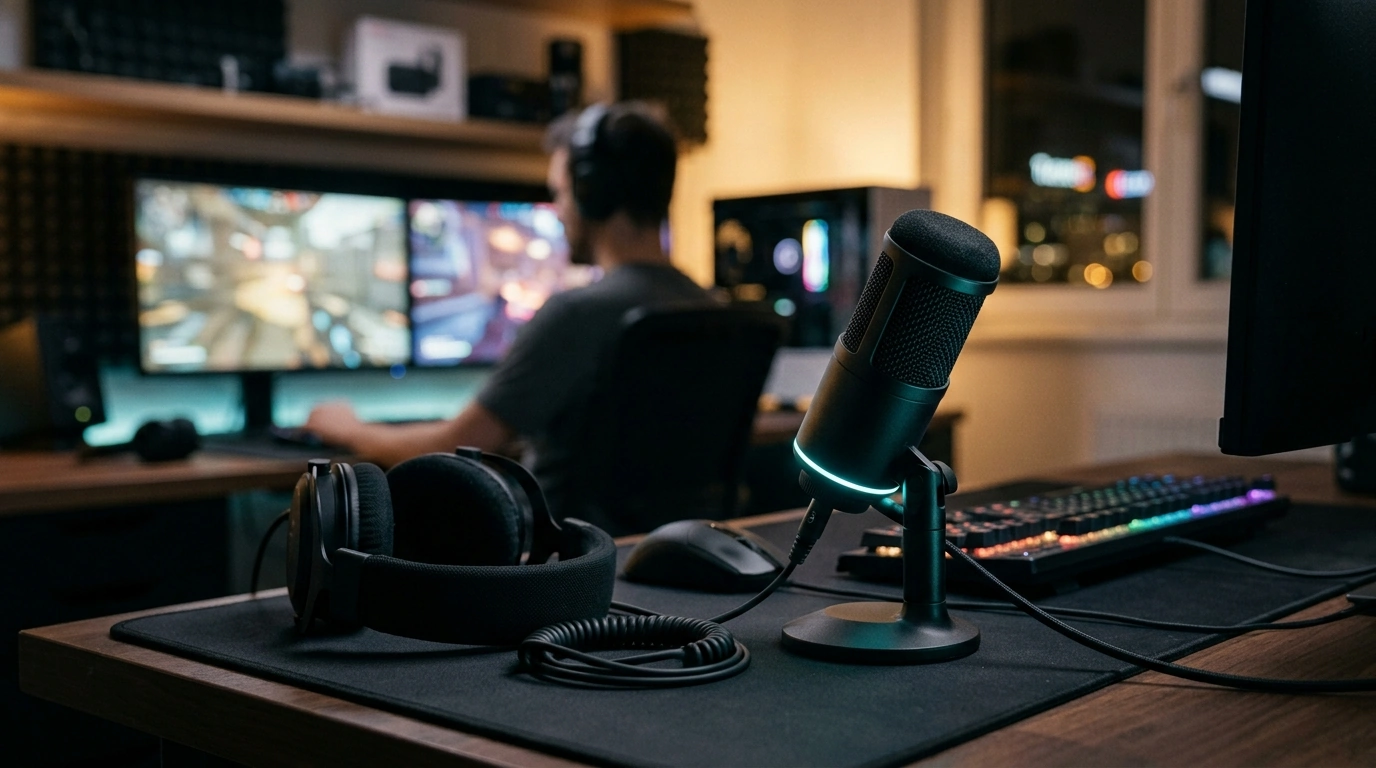
RGB USB‑C Gaming Microphone with Mute Button & Zero‑Latency Monitoring
Clear voice and instant control matter most during streams, team chat, and late-night sessions. This RGB USB‑C gaming microphone is built for quick setup, on-the-fly muting, and real-time headphone monitoring so speech stays consistent across Discord, in-game comms, and recordings.
What This Microphone Is Built For
- Gaming comms where a fast mute button prevents accidental hot-mic moments
- Streaming and voice chat with headphone monitoring to catch clipping, noise, or distance changes in real time
- Casual content creation such as commentary, tutorials, and voiceovers without a complex audio interface
- Desk setups that benefit from RGB lighting as a status/ambience element
- Plug-and-play use via USB‑C on modern PCs and many laptops
Core Features That Improve Live Voice
Mute button for instant privacy
A dedicated mute button gives immediate control when you need to cough, talk off-stream, or swap push-to-talk strategies mid-match. Because it’s a hardware control, it typically behaves consistently across apps once the mic is selected as your input device.
Zero-latency monitoring (no “echo” delay)
Direct headphone monitoring lets you hear your mic signal in real time—no distracting slap-back delay. It’s the quickest way to notice if you’re drifting off-mic, getting too loud, or picking up more room noise than expected.
USB‑C plug-and-play simplicity
USB‑C keeps cabling clean and modern: one connection for power and audio data. For many desk setups, that means fewer points of failure than multi-piece analog chains.
RGB lighting that works as a status cue
RGB lighting isn’t just aesthetics. It can help you visually confirm the mic is powered and active, especially in low-light rooms where you don’t want to tab out mid-game to check device status.
Compact desktop footprint
A smaller mic body can fit neatly between a keyboard, mouse pad, and multi-monitor arm without forcing you to rearrange your whole setup.
Quick Setup for Discord, Games, and Streaming Apps
- Connect the microphone to a USB‑C port (or use an adapter if needed) and select it as the input device in system sound settings.
- In Discord: choose the mic as Input Device, set input sensitivity or enable push-to-talk if preferred, and confirm levels in Voice & Video. For step-by-step guidance, see Discord Support: Voice and Video Settings.
- In streaming software: add the microphone as an audio input source and test levels while speaking at typical distance.
- Use the headphone monitoring port to verify the mic signal before joining a call or starting a stream.
- Keep the microphone slightly off-axis (angled toward the mouth) to reduce plosives and breath noise.
If your computer isn’t recognizing the device or your input levels seem inconsistent, Windows troubleshooting can help pinpoint driver, port, or permission issues: Microsoft Support: Fix sound problems in Windows.
Monitoring vs. Software Playback: Why Zero Latency Matters
Software monitoring routes audio through the computer before it returns to your headphones. Depending on your system load, USB buffering, and audio settings, that round trip can introduce a delay that feels like an echo while you speak.
For streamers who want extra control over background noise and voice clarity, tools like NVIDIA’s Broadcasting and Audio Tools can complement good mic placement and monitoring habits.
Desk Placement and Sound Quality Tips
At-a-Glance Specs and Buying Checklist
Feature Checklist
| Feature | Why it helps | What to look for |
|---|---|---|
| USB‑C connectivity | Fast, modern plug-and-play connection | Direct USB‑C cable and stable connection to PC/laptop |
| Mute button | Instant privacy and cleaner comms control | Accessible button with clear mute state behavior |
| Zero-latency monitoring | No echo delay while speaking | Headphone output that plays the mic signal in real time |
| RGB lighting | Setup aesthetics and quick visual confirmation | Lighting that fits the room brightness and desk style |
| Desktop stability | Less rumble and fewer bumps during gameplay | Solid stand and secure positioning on the desk |
Recommended In-Stock Picks
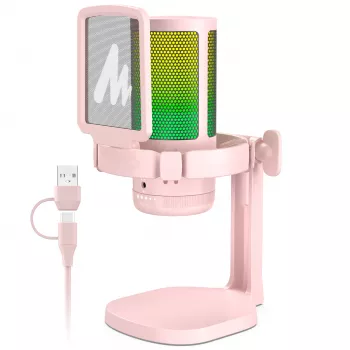
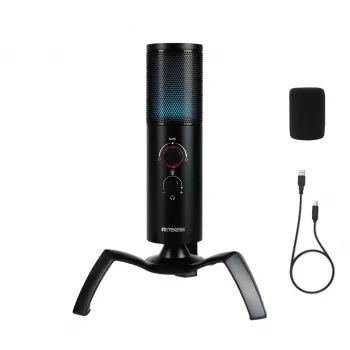
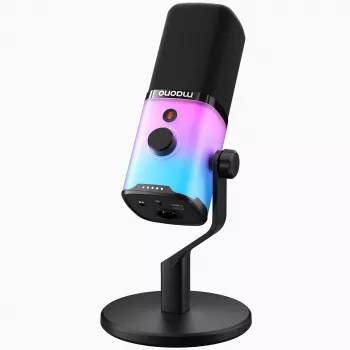
- RGB USB-C Gaming Microphone with Mute Button & Zero-Latency Monitoring — a streamlined USB‑C desktop mic designed for quick muting and direct headphone monitoring.
- Men’s Quick-Dry Short Sleeve Sports Shirt – Lightweight Workout & Running Top — a breathable option for long sessions or warm rooms where you want to stay comfortable on camera or at the desk.
- AI-Powered Checklist for Better Sleep Adventures | Digital Sleep Guide for Relaxation, Lucid Dreaming & ai suggestions for better dreams — a low-effort digital guide for winding down after late-night gaming or streaming.
Who This Microphone Fits Best
FAQ
How does zero-latency monitoring work, and will it remove echo?
Zero-latency monitoring sends the microphone signal straight to your headphones without routing it through the computer first, so you don’t hear a delayed “echo” of your own voice. If you still hear echo, use headphones (not speakers) and disable software monitoring in your app or OS audio settings.
Will the mute button silence the microphone instantly in games and Discord?
A hardware mute typically stops the mic signal at the source, so it should mute across games, Discord, and streaming apps as long as the mic is selected as the active input device. Confirm the mute state using your monitoring audio or any built-in indicator behavior.
Does USB‑C mean it works with any device that has a USB‑C port?
USB‑C is the connector type; compatibility depends on whether the device supports USB audio. Most PCs and laptops do, while consoles, phones, and tablets can vary by operating system and USB audio support.







Leave a comment